Introducing central authentication: passkeys, social login and magic links
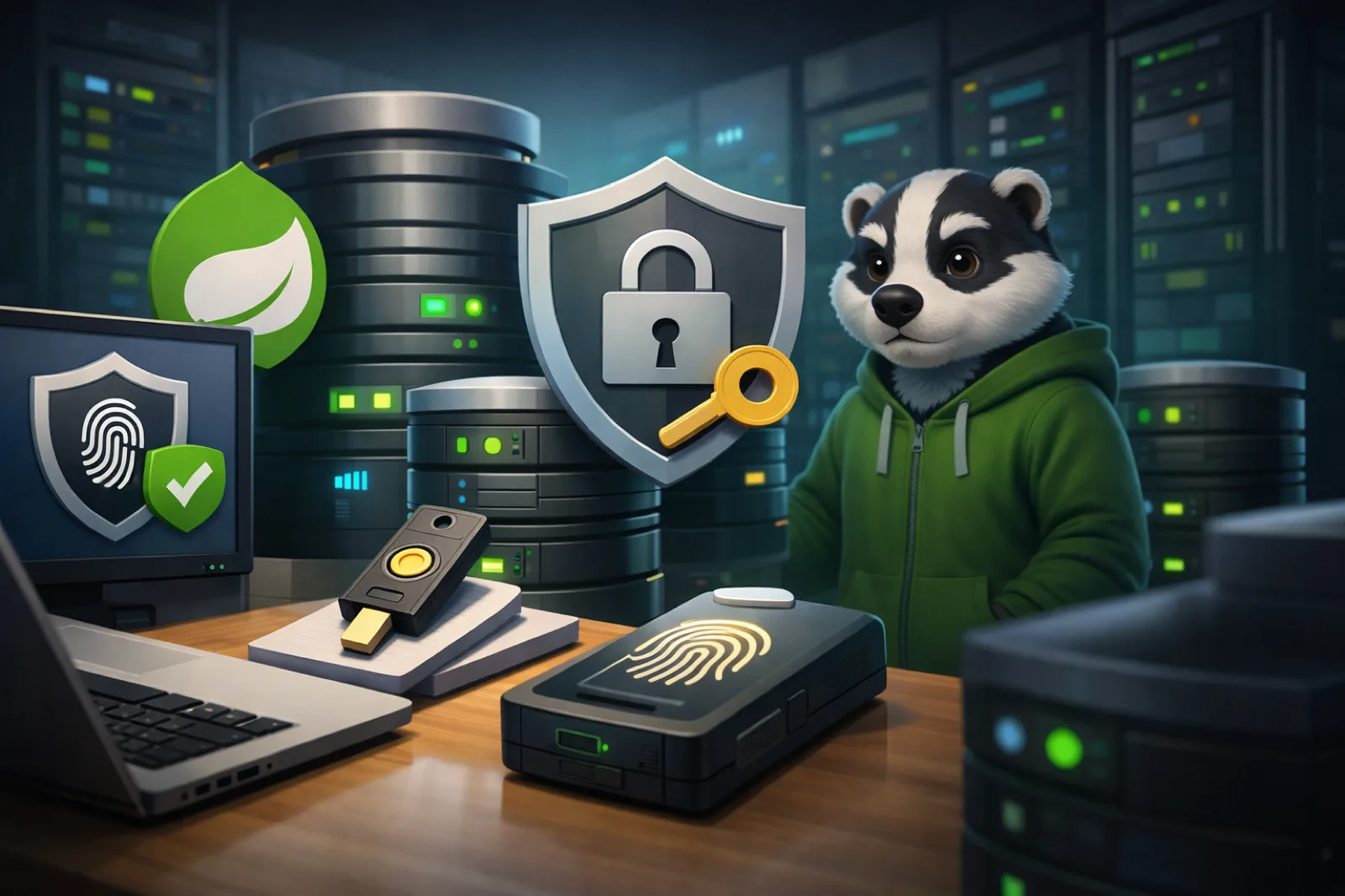
One account across every store, with passkeys, Google and Apple sign-in, and magic links. How central authentication works on Badger Commerce.
This article was first published at bdgr.co.uk/p/news/central-auth-passkeys-social-login.
We have shipped a major upgrade to how authentication works on the Badger Commerce platform. Instead of every store maintaining its own customer database and its own login flow, there is now a central authentication server providing a single identity layer across all your sites.
Here is what is new, and why it matters.
One account, every store
Previously, each Badger Commerce store had its own customer accounts. A shopper who bought from two different stores on the platform needed a separate account for each.
Authentication is now handled centrally via OpenID Connect (OIDC). A shopper creates one account and can use it on any store that opts in. The central auth server issues the tokens and each store validates them, so no passwords are shared between systems and no customer data crosses tenants.
From the shopper's side, they see a login page branded for the store they arrived from. Behind it is the same identity.
Passkeys: the recommended way in
Passkeys are our recommended sign-in method. Built on the WebAuthn standard and on Spring Security's native passkey support, a shopper can register and authenticate with:
- Fingerprint — Touch ID, Windows Hello
- Face recognition — Face ID
- Device PIN as a fallback
Passkeys are phishing-resistant. There is nothing to type, nothing to remember and nothing that can be stolen in a data breach. They are also considerably faster than a password. The registration page marks passkeys as recommended with a clear badge, because the default is where adoption actually comes from.
How it works underneath
The auth server uses Spring Security 6.4's WebAuthn configurer with a MongoDB-backed credential repository. Registering a passkey looks like this:
- 1
The browser generates a key pair
navigator.credentials.create()produces a public and a private key. - 2
The private key stays on the device
It never leaves. There is no copy of it on our side to lose.
- 3
The public key is stored server-side
Linked to the shopper's central identity.
- 4
Later sign-ins are a signed challenge
The server sends a challenge, the device signs it, and we verify the signature.
The whole ceremony happens inline on the registration page — no redirects and no extra clicks. If the shopper cancels the biometric prompt, they land on their account page where they can set up an alternative method instead.
Social login: Google and Apple
For shoppers who prefer it, we support Sign in with Google and Sign in with Apple. Both use standard OAuth2 and OIDC flows and are wired into the same central identity.
When someone signs in with Google for the first time, we create a central identity and link the Google account to it. They can later add a passkey, set a password or connect Apple, all from the account management page. One identity, several ways to authenticate.
Social accounts are configured per deployment, so a store can enable Google, Apple, both or neither, depending on its audience.
Magic links: passwordless by email
Not every device supports passkeys, and some people simply prefer email. Magic links let a shopper sign in with one click from their inbox.
- 1
Enter your email on the login page
No password field to get wrong.
- 2
Receive a secure, time-limited link
Sent to the address given.
- 3
Click it and you are in
The link is single-use.
Magic links also work as a registration method, so a new customer can create an account without ever setting a password.
The account management portal
Every shopper gets a central account page where they manage their identity across all the stores they are connected to. From there they can:
- Update their display name, which syncs to each store on next login
- Set or change a password, even if they originally registered with a passkey or a social account
- Add or remove passkeys — several are supported, for different devices
- Link or unlink social accounts (Google, Apple)
- See which stores they are connected to, with a link back to each one
The page shows a clear warning if no sign-in method is configured, so nobody locks themselves out by removing their last one.
Step-up authentication that is not a chore
When a store needs to re-verify someone — an expired session, say — the auth server uses encrypted login hints rather than showing a generic form. It:
- Recognises who the shopper is from the OIDC request
- Shows their email address and the auth methods they actually hold
- Auto-triggers the biometric prompt if they have a passkey
That turns re-authentication from "type your email and password" into one touch of a fingerprint sensor.
Account creation after checkout
One of the more commercially useful pieces: shoppers who checked out anonymously can now create an account after placing the order. The order confirmation page carries a non-intrusive "save your details for next time" prompt.
On stores using central auth, that runs the full OIDC flow with passkey, social or password options. On stores with local auth, it is an inline registration form. Either way the order they just placed stays linked to the new account, so no history is lost.
Embeddable profile widget
Stores can embed a lightweight profile widget via an iframe showing authentication status, display name, Gravatar and connected social accounts. It lets a store surface account information without building its own profile interface.
The widget communicates over HMAC-signed embed tokens and respects the store's Content Security Policy.
What comes next
This is the foundation for a good deal more:
- Multi-factor authentication (TOTP, SMS) for stores that need it
- Account linking across tenants, to consolidate identities
- Delegated admin access, so a store can manage customer accounts from its admin
- Passkey-first checkout for returning shoppers
Central authentication is available now on the development environment and rolls out to production shortly. If you run a Badger Commerce store and want it enabled, get in touch.
Built with Spring Authorization Server, Spring Security WebAuthn and WebAuthn4j. Running on our k3s cluster, deployed via Flux CD.
Related reading
- News
What this blog is for, and what it will not be
We are starting a blog about the operational side of ecommerce. Here is what will go in it, who it is written for, and what we have deliberately left out.
- News
Introducing Badger Air: the world's first badger-drone delivery fleet
Our badger-shaped drone delivery fleet, announced on 1 April 2025. It has tunnel mode, a thank-you dance, and the small drawback of not existing.
- News
Badger Commerce unaffected by the CrowdStrike global IT outage
The July 2024 CrowdStrike update grounded airlines and hospitals. Badger Commerce kept trading, and the reason was an architecture decision.